Products
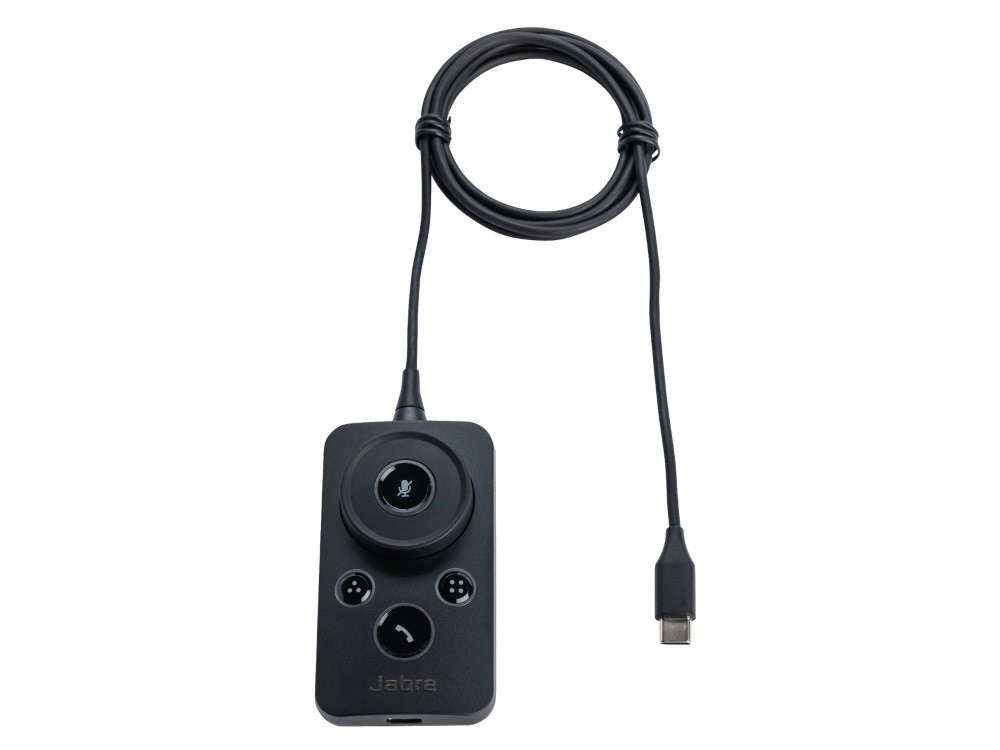
With the Jabra Engage Link, you can answer or end calls at the touch of a button. You can also adjust the volume and status light on your Engage 50 headset, mute a call, and dial a speed-dial number. The Link with USB-C connection is suitable for Unified Communications.
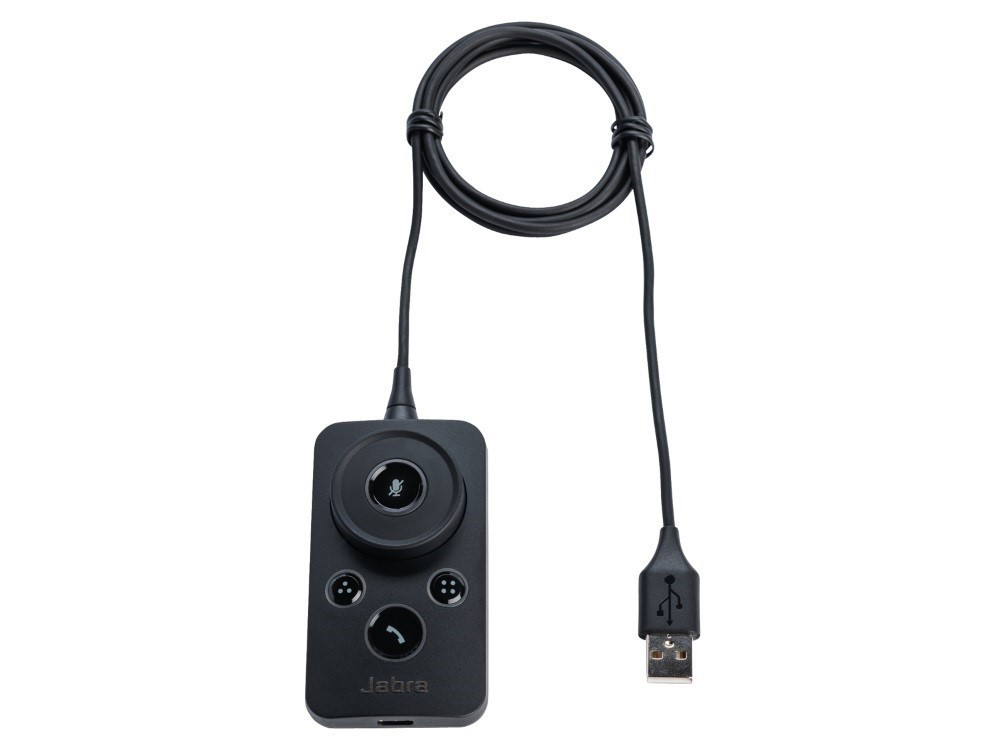
With the Jabra Engage Link, you can answer or end calls at the touch of a button. You can also adjust the volume and status light on your Engage 50 headset, mute a call, and dial a speed-dial number. The Link with USB-A connection is suitable for Unified Communications and Microsoft Skype.
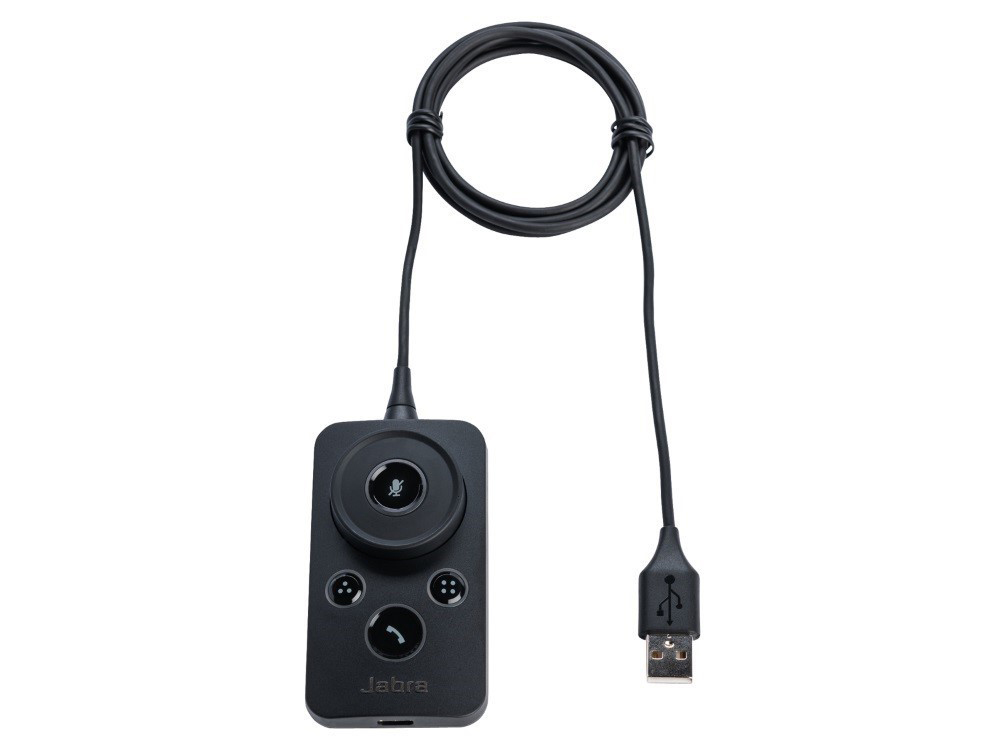
With the Jabra Engage Link you can answer or end calls with the push of a button. You can also adjust the volume and status light on your Engage 50 headset, mute a call, and dial a speed-dial number. The Link with USB-A connection is suitable for Unified Communications.
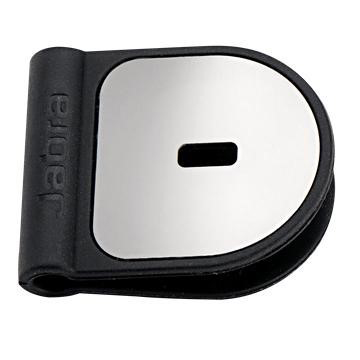
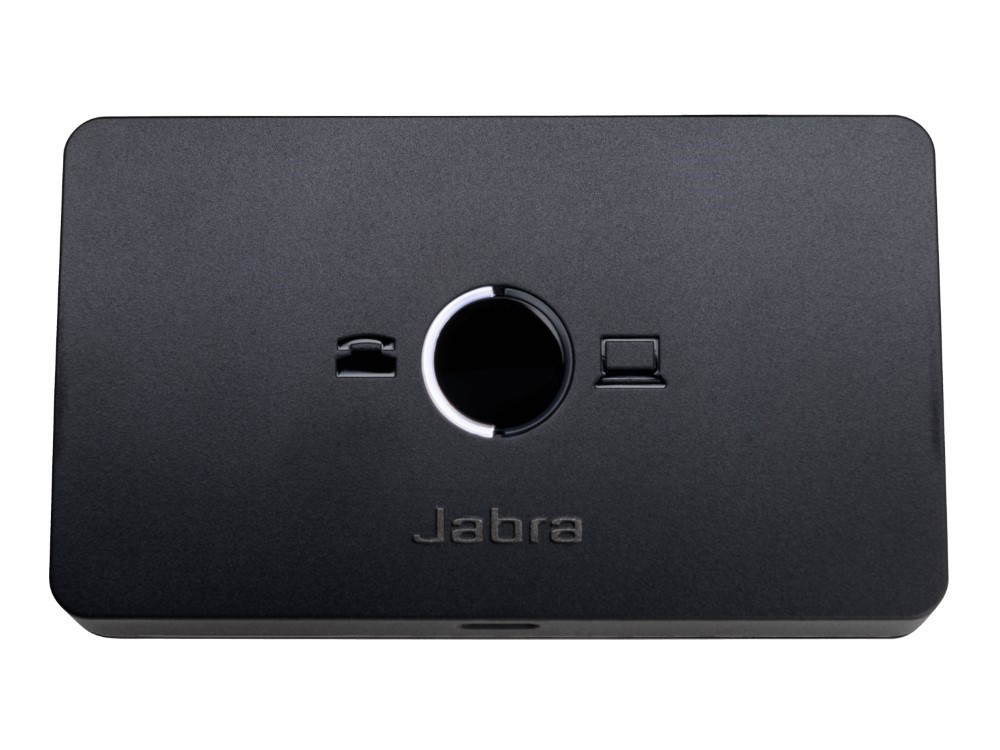
Be more productive with the Jabra Link 950; an adapter that connects your USB headset to your desk phone and softphone (PC).
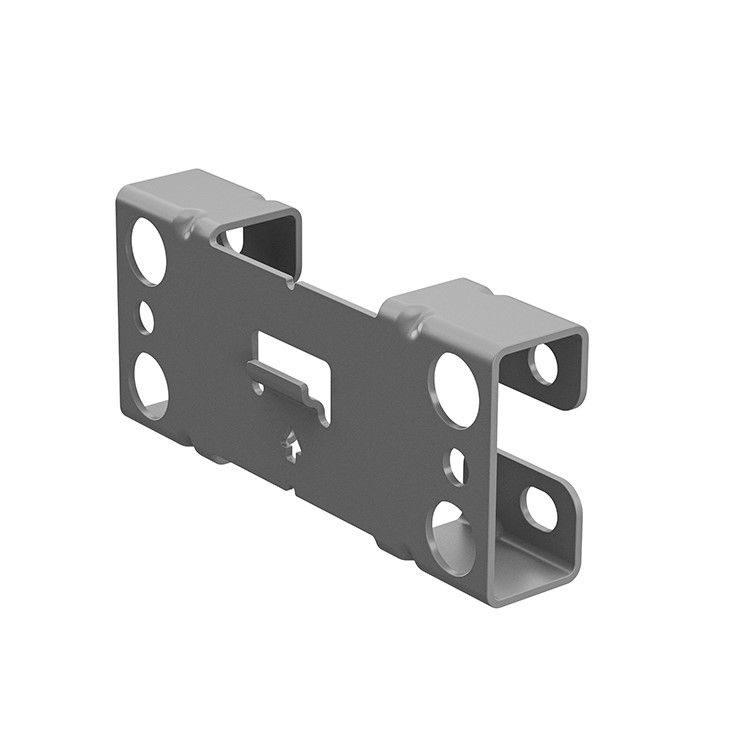
Mount your grey Jabra PanaCast 50 with the grey wall bracket.
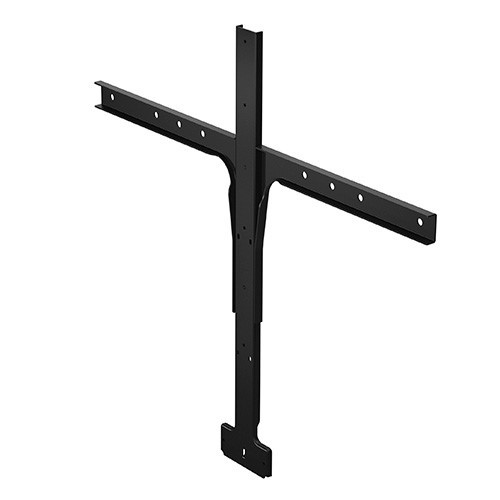
Mount your PanaCast 50 under or above your TV, for more flexibile and dynamic meetings, with the VESA compliant Screen Mount.
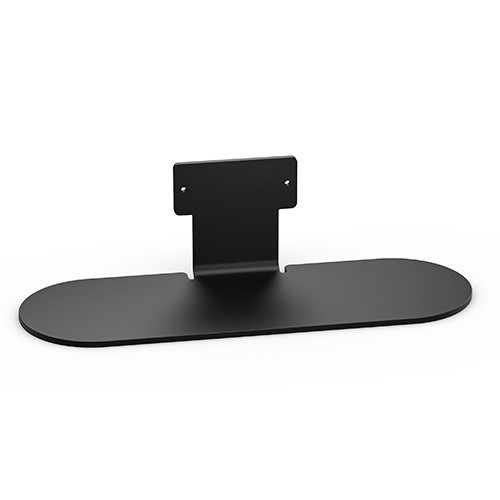
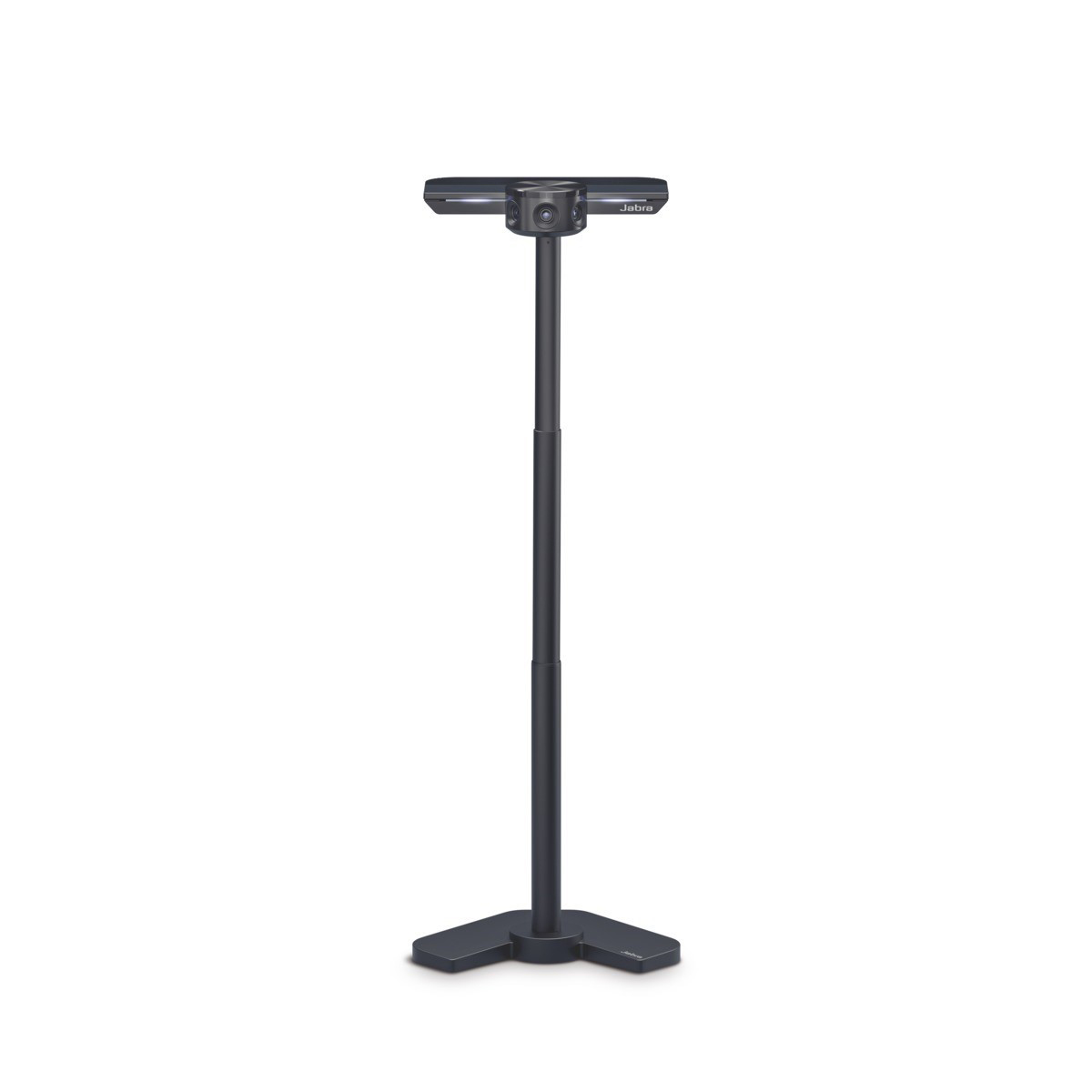
Mount your black PanaCast 50 as a free-standing unit on a desk or table, for maximum flexibility and portability, with the Table Stand.
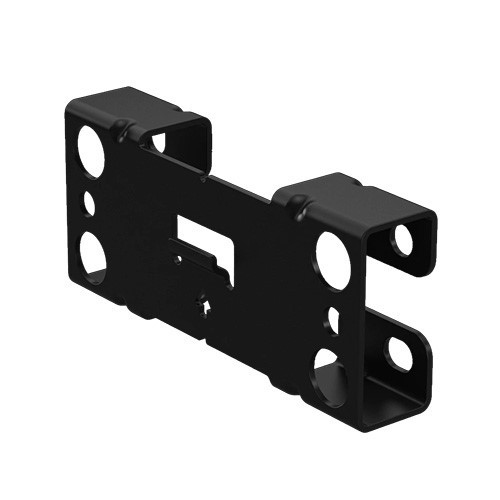
Use the Wall Mount to mount your PanaCast 50 on the wall at eye-level, for optimum placement.
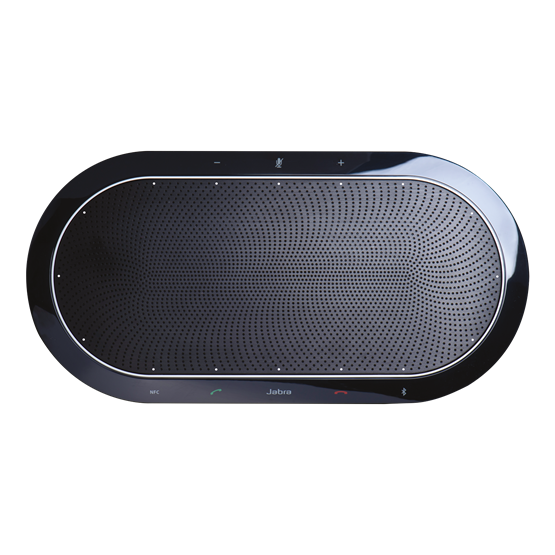
Multifunctional speakerphone, suitable for bluetooth and 3.5mm jack connection for up to 15 persons.
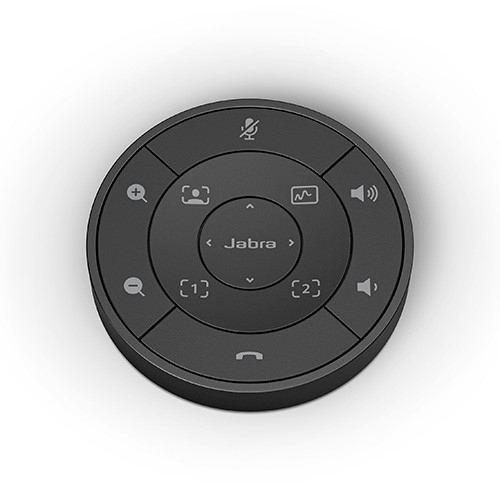
Intuitive remote control for the PanaCast 50 intelligent video bar.
Contact
Safe payment